
When designing a board game, visuals matter. Even in the prototype stage, having clear, well-presented components can make playtesting smoother and help others understand your vision.
While professional software like Adobe Photoshop or Illustrator is often the industry standard, not every designer can afford these tools — especially at the beginning. That’s where Pixlr comes in.
What Is Pixlr?
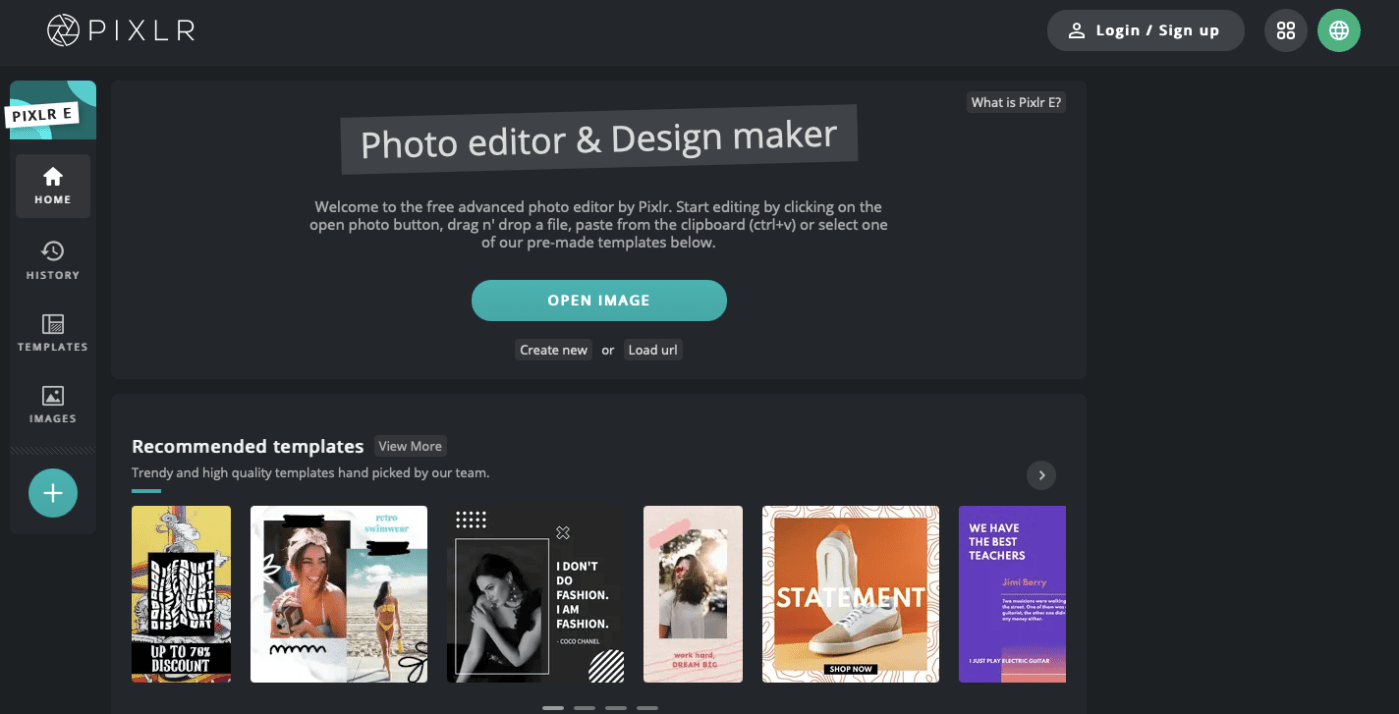
Pixlr is a free, browser-based image editor that allows you to edit and create graphics without installing heavy software. It runs directly online, works on most devices, and offers an interface similar to Photoshop — making it familiar and easy to pick up.
Why Pixlr Works for Board Game Designers
Board game designers often need quick, functional visuals rather than polished, commercial-grade artwork in the early stages. Pixlr covers many of those needs:
- Fast Edits on the Go: Crop, resize, or adjust images instantly, even on a tablet or laptop.
- Layer Support: Like Photoshop, you can work with multiple layers, perfect for arranging icons, backgrounds, and text.
- Free Templates: Use built-in templates to create card layouts, tiles, or covers.
- Export Flexibility: Save your work in JPG, PNG, or layered PSD formats, making it easy to share or move to other software later.
- AI Tools: Features like background removal and filters help speed up prototyping.
Pixlr vs. Paid Alternatives
- Adobe Photoshop/Illustrator: Extremely powerful, but expensive (monthly subscription). Better for final artwork, but often overkill for prototyping.
- Affinity Photo/Designer: One-time payment, professional-grade, but still an investment for beginners.
- Pixlr: 100% free (with an optional Pro upgrade), lightweight, and perfect for early-stage design, quick mockups, and playtest graphics.
Example Uses in Board Game Design
- Create quick card templates with text and icons.
- Design simple game boards or tiles for printing at home.
- Touch up or resize images for use in rulebooks or pitch sheets.
- Test color palettes and iconography before committing to professional artwork.
Final Thoughts
For board game designers, especially those just starting out, Pixlr offers an accessible and powerful solution for creating visuals without breaking the bank. It may not replace professional tools for final production, but it’s more than enough to help you communicate your ideas, polish prototypes, and move forward with confidence.
In the early stages of game design, functionality matters more than perfection — and Pixlr gives you exactly that: a free, easy-to-use toolbox to bring your ideas onto the table.
Discover more from BoardGame Seeds
Subscribe to get the latest posts sent to your email.


Leave a comment